Productivity

LinkRouter · Mac

LinkRouter

macOS

LinkRouter for macOS

A browser for work, another for reading, and a desktop app for meetings. LinkRouter helps web links reach the destination you choose on your Mac, with fewer repeated decisions.

v1.3.5 Productivity

LinkRouter macOS 1.3.5

macOS 14+ · Apple silicon

LinkRouter · macOS

Everything included

Key Features

LinkRouter comes packed with everything you need to get more done.

  1. PICK A BROWSER OR OPEN AUTOMATICALLY
  2. TAKE LINKS STRAIGHT TO DESKTOP APPS
  3. BUILD RULES AROUND YOUR DAY
  4. CLEAN UP LINKS AND SAVE STEPS
  5. REOPEN LINKS AND SYNC YOUR RULES
  6. START WITH THE FREE FEATURES
  7. REQUIREMENTS AND PRIVACY

LinkRouter

Details

LinkRouter · macOS · PICK A BROWSER OR OPEN AUTOMATICALLY

PICK A BROWSER OR OPEN AUTOMATICALLY

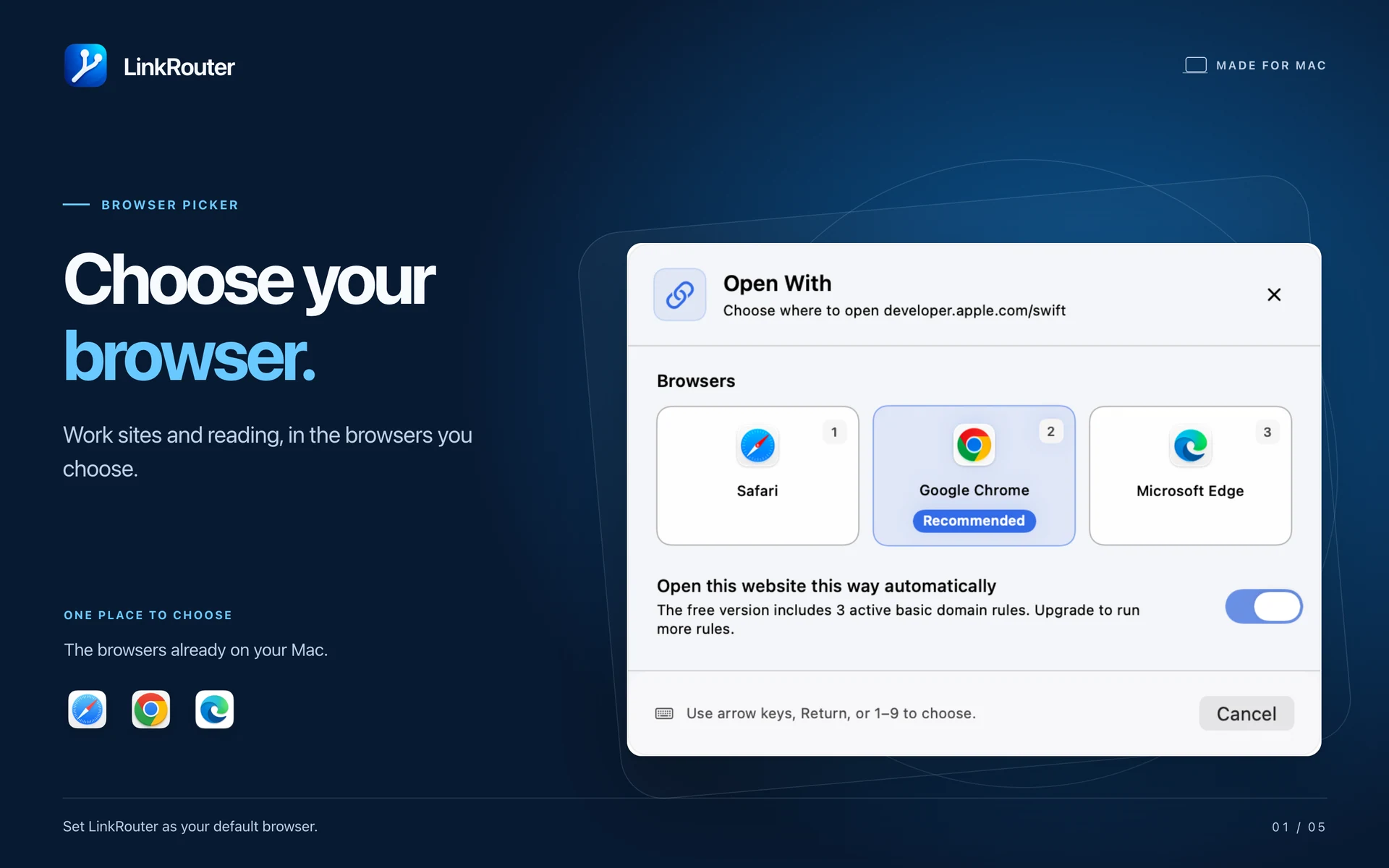
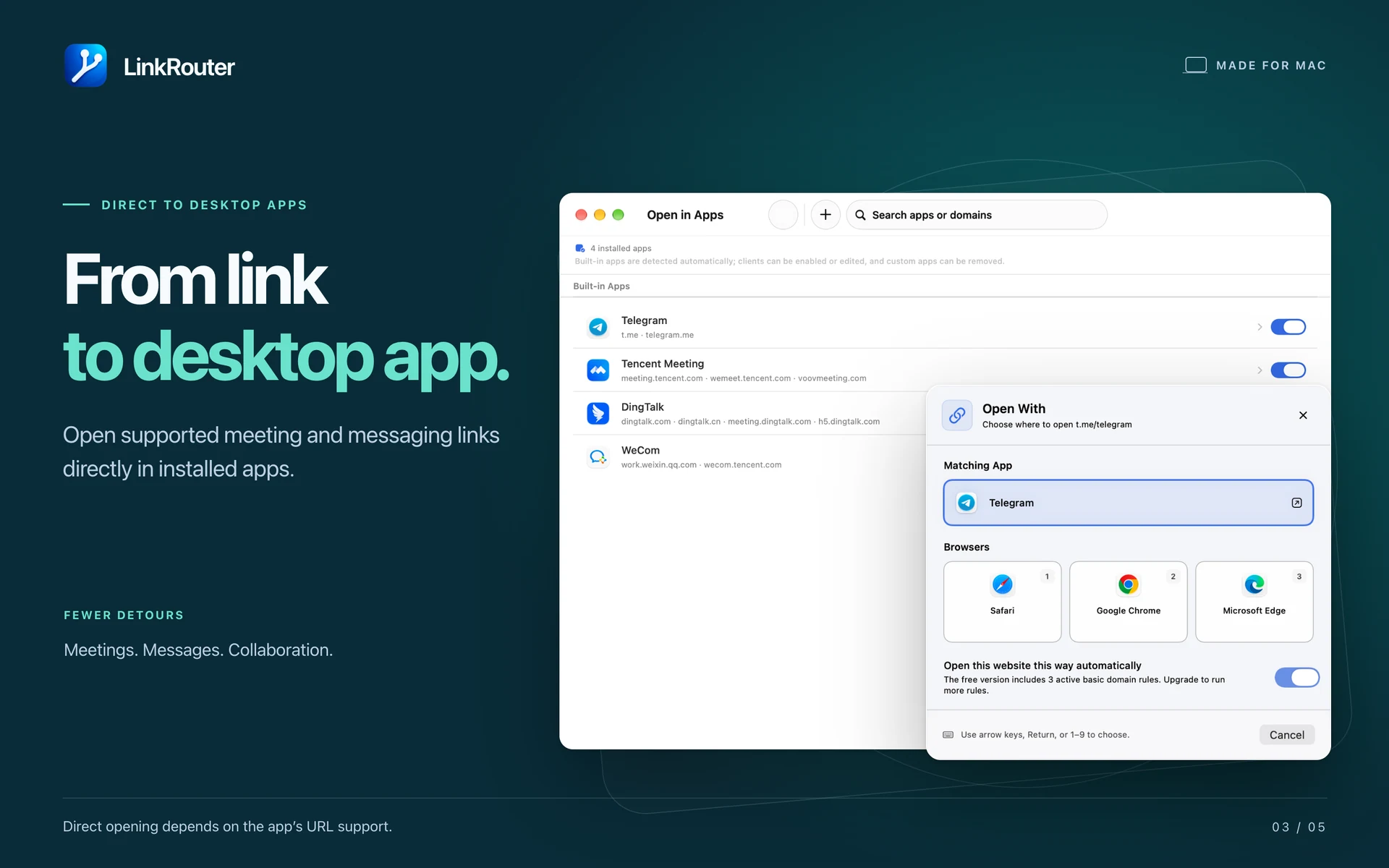
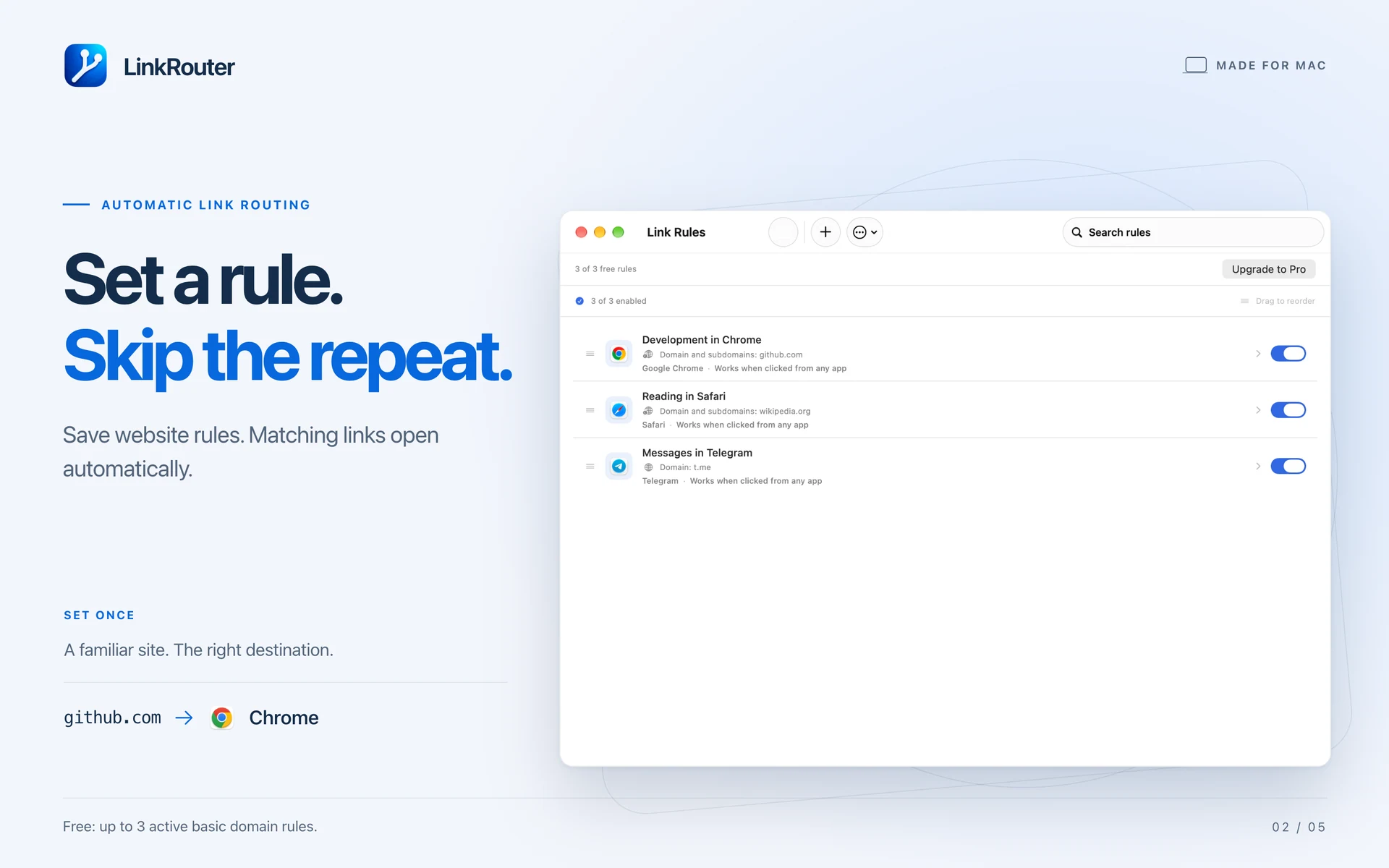
Set LinkRouter as your default browser. When macOS passes it a web link, choose an installed browser or a supported desktop app. Save a rule for a website to open matching links automatically, or keep the picker for links you want to decide on each time.
LinkRouter · macOS · TAKE LINKS STRAIGHT TO DESKTOP APPS

TAKE LINKS STRAIGHT TO DESKTOP APPS

Open supported meeting, messaging and collaboration links in the corresponding installed app. Use built-in destinations or add custom app routing with Pro.

LinkRouter · macOS · BUILD RULES AROUND YOUR DAY

BUILD RULES AROUND YOUR DAY

Match domains and subdomains. Pro adds advanced matching, including text in a URL, regular expressions and filters for the app a link came from. Import and export rules as JSON, with a preview of duplicates, conflicts and invalid entries before importing.

LinkRouter · macOS · CLEAN UP LINKS AND SAVE STEPSLinkRouter · macOS · CLEAN UP LINKS AND SAVE STEPS

CLEAN UP LINKS AND SAVE STEPS

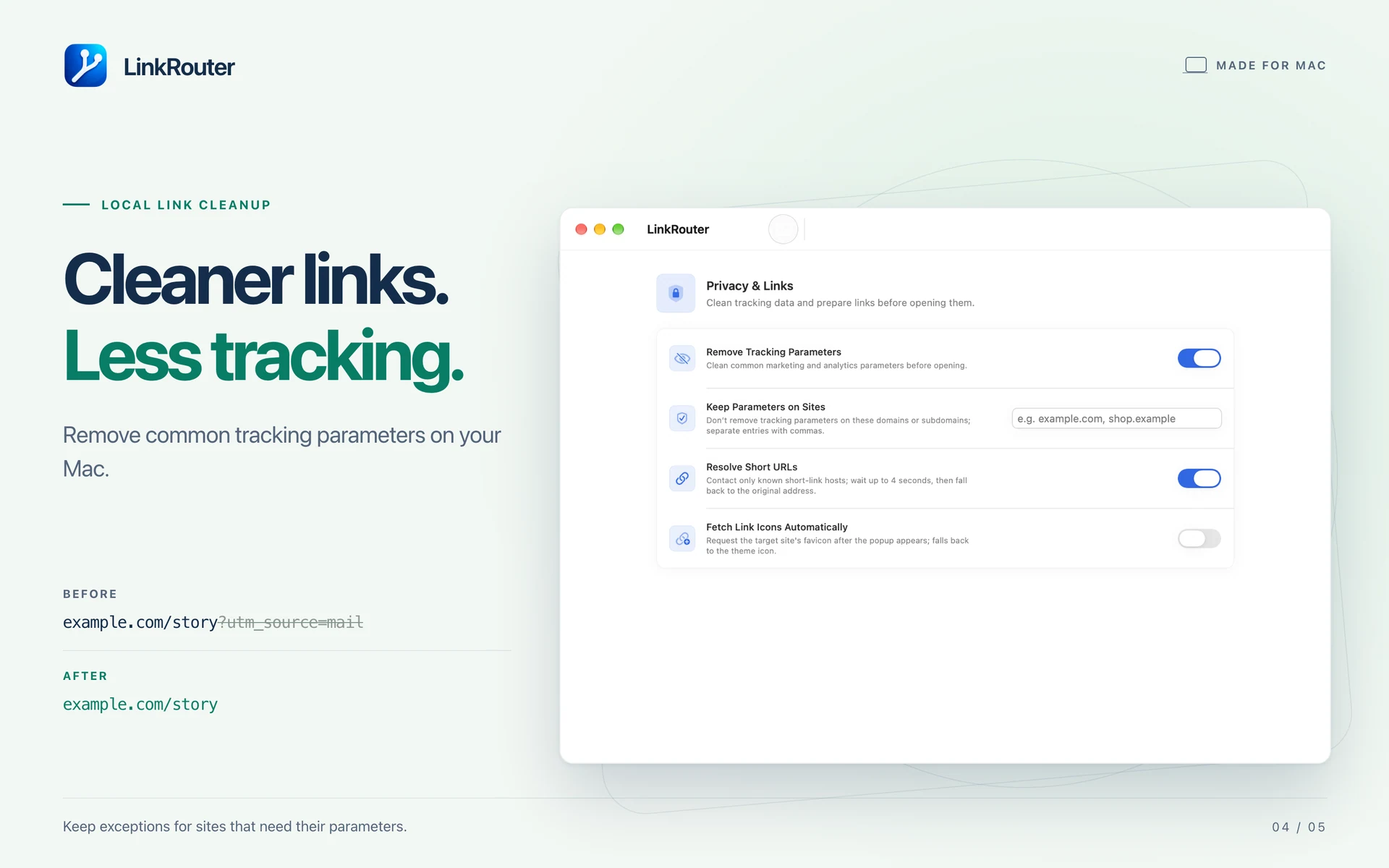
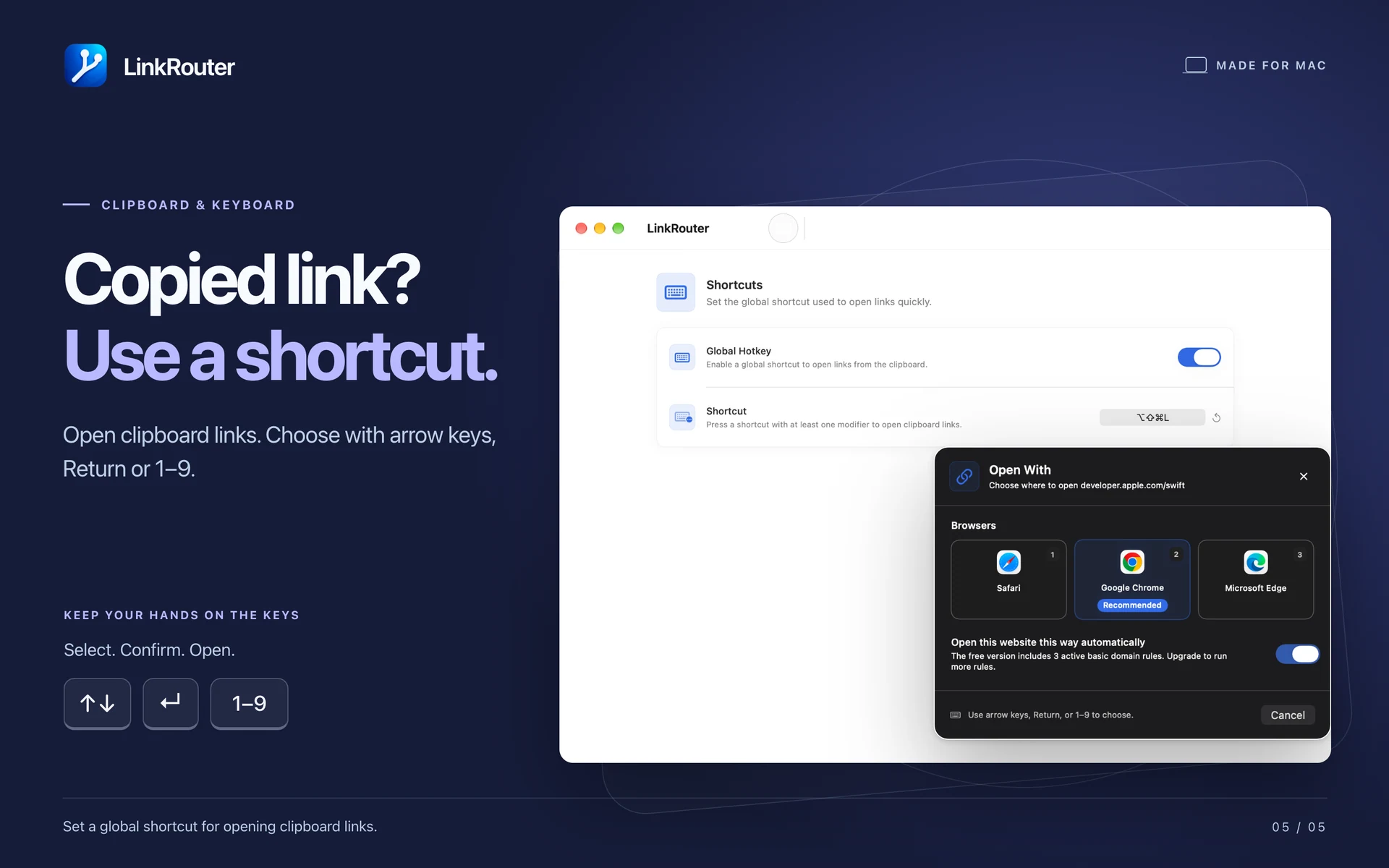
Remove common tracking parameters on your Mac, with exceptions for sites that need them. Optionally expand supported short links before routing; if that fails, the original address is used. Open a copied link from the menu bar or a global keyboard shortcut. In the picker, use arrow keys, Return or number keys 1–9.

REOPEN LINKS AND SYNC YOUR RULES

Return to links in local history, choose how many to keep or clear them. Recognised sensitive URL parameters are redacted from saved history. Optional iCloud sync keeps rules, custom apps and supported preferences available across your Macs. History stays on each Mac.

START WITH THE FREE FEATURES

Open links as often as you like, use built-in app destinations and enable up to 3 basic domain rules. Pro unlocks unlimited rules, advanced rules, custom app routing, custom themes and exclusive app icons. Choose an annual subscription or a lifetime unlock. Annual subscriptions renew automatically unless cancelled. Choose from 50 interface languages and system, light or dark appearance.

REQUIREMENTS AND PRIVACY

Requires an Apple Silicon Mac with macOS 14 or later. Destination browsers and apps must be installed, and direct app opening depends on their URL support. Links handled entirely inside another app may bypass the system default browser. The App Store version cannot choose a specific browser profile; switch profiles or accounts within the browser. Routing and tracking-parameter cleanup run locally. Optional short-link expansion and website icons contact relevant websites. You control these features and iCloud sync.

Pricing

Free · Pro upgrade

Yearly subscription

USD 1.99

per year

One-time purchase

USD 2.99

one time

Ready to get LinkRouter?

Choose your device and view the app on the App Store.