
MAKE IT YOURS
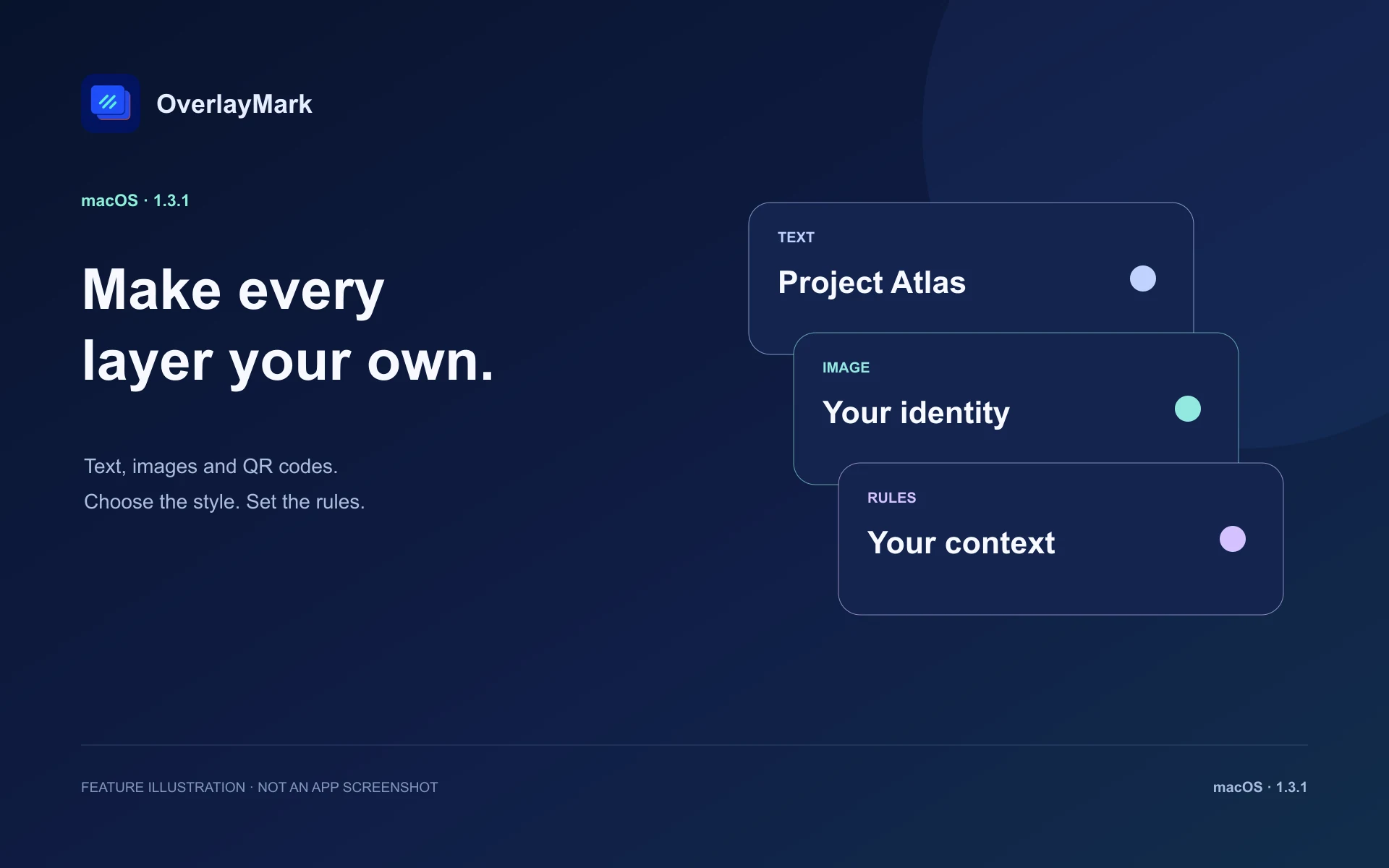
Combine text, images and QR codes in layers. Insert your user name, device name, date, time or active app. Adjust size, color, opacity, rotation and spacing; choose tiled, centered or corner layouts.
Security & Privacy
TraceMark → OverlayMark
OverlayMark
macOS
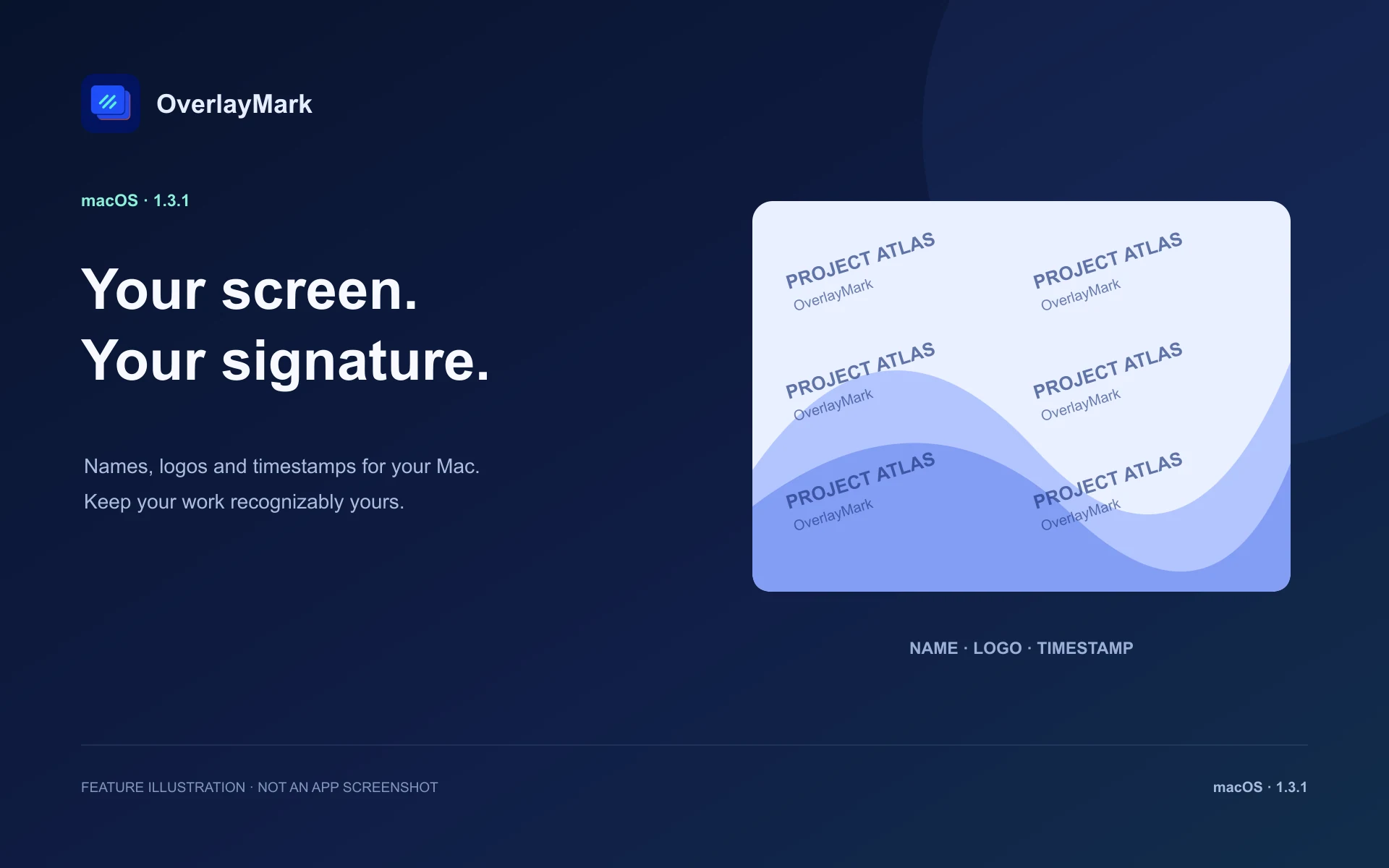
Add a screen watermark to your Mac desktop and create watermarked copies of saved screenshots. OverlayMark puts a name, logo, QR code or timestamp where you need it for presentations, demos and everyday work.
Requires macOS 26.0 or later.
Watermark rendering and screenshot processing run locally on your Mac. Folder access is needed for screenshot processing; supported browser features use Automation permission. Desktop overlays may be omitted by single-window or app-only capture. Check your output before sharing. Watermarks do not prevent copying, cropping or removal.
Everything included
OverlayMark comes packed with everything you need to get more done.
OverlayMark
Combine text, images and QR codes in layers. Insert your user name, device name, date, time or active app. Adjust size, color, opacity, rotation and spacing; choose tiled, centered or corner layouts.
Show layers with app or website rules, exclude selected app windows and control visibility per display. Use the menu bar or keyboard shortcuts for quick access.
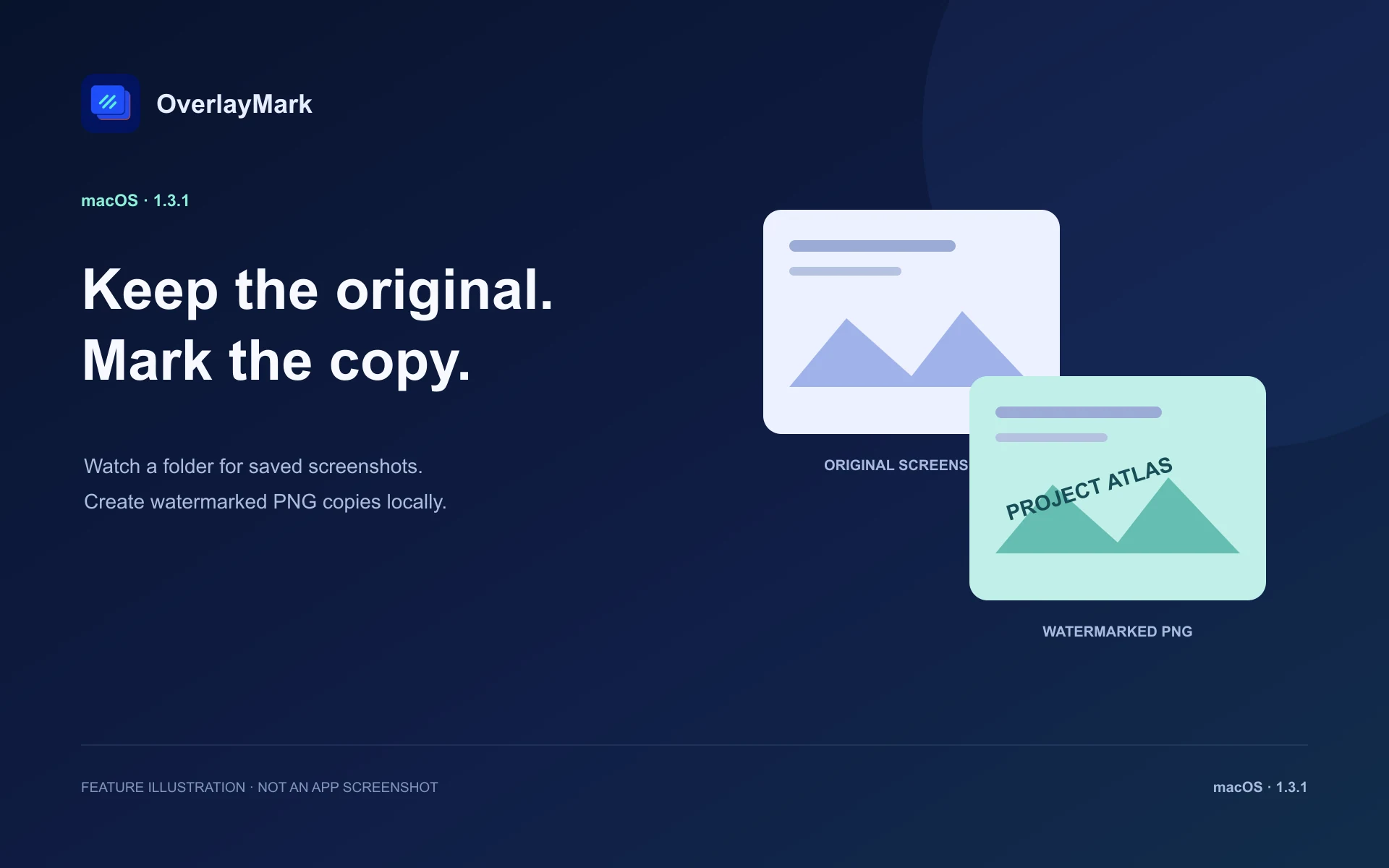
Choose a folder to watch. OverlayMark detects supported screenshot files and saves watermarked PNG copies, keeping the originals unchanged. It processes saved files; it does not take screenshots or record video.
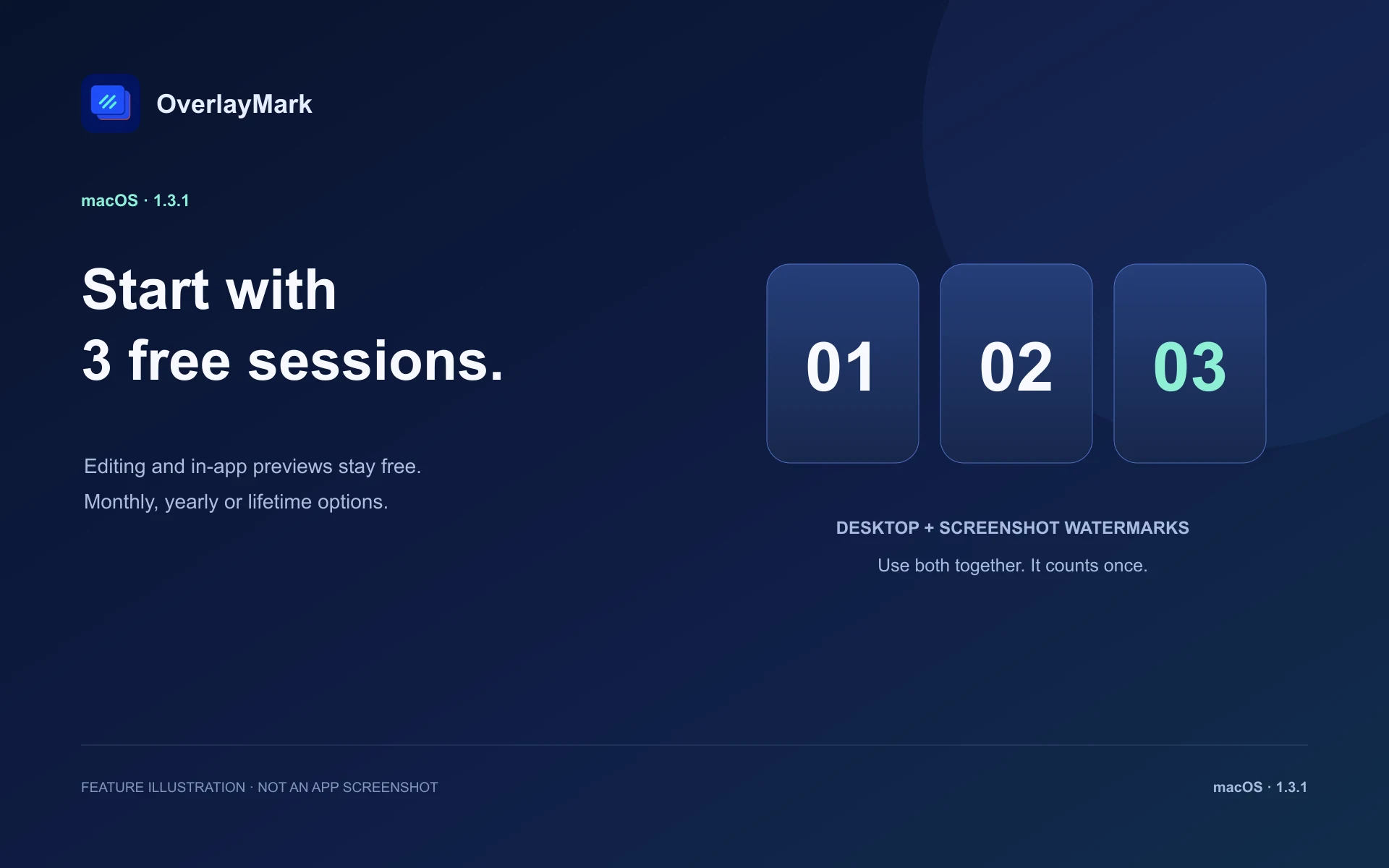
Editing and in-app previews remain free. On this Mac user account, starting desktop watermarking or screenshot processing begins one session; using both together counts once. Turning both off or quitting ends it. After 3 sessions, continued use requires a monthly or yearly subscription, or a lifetime purchase. Subscriptions renew automatically unless canceled in App Store account settings. Eligible purchases can be restored.
Editing and in-app previews remain free. On this Mac user account, starting desktop watermarking or screenshot processing begins one session; using both together counts once. Turning both off or quitting ends it. After 3 sessions, continued use requires a monthly or yearly subscription, or a lifetime purchase. Subscriptions renew automatically unless canceled in App Store account settings. Eligible purchases can be restored.
Discover more native apps for Mac, iPhone, and iPad.

Have your words ready when speaking is difficult. Aegis SOS helps you communicate with people nearby, while travelling or when asking for help.
Learn More
Capture and explain with SuperShot on Mac, iPhone and iPad. On Mac, combine scrolling screenshots, annotation, OCR and screen recording. On iPhone and iPad, stitch long screenshots, mark up images and save editable projects for later.
Learn More
Stop choosing the same browser again and again. Set website rules, open supported links directly in desktop apps, and keep work and personal browsing organized.
Learn More