
 SuperShot iPhone
SuperShot iOS 1.5.6 adds AI background blur
Adjust photo background blur, pick up where you left off with screenshot OCR, and review sensitive details before sharing.
Blur photo backgrounds with AI Depth of Field
Tap the part of the photo you want in focus, then adjust the background blur. Depth of Field, Beauty and Enhancement apply as you make changes. Compare with the original and undo edits as needed.
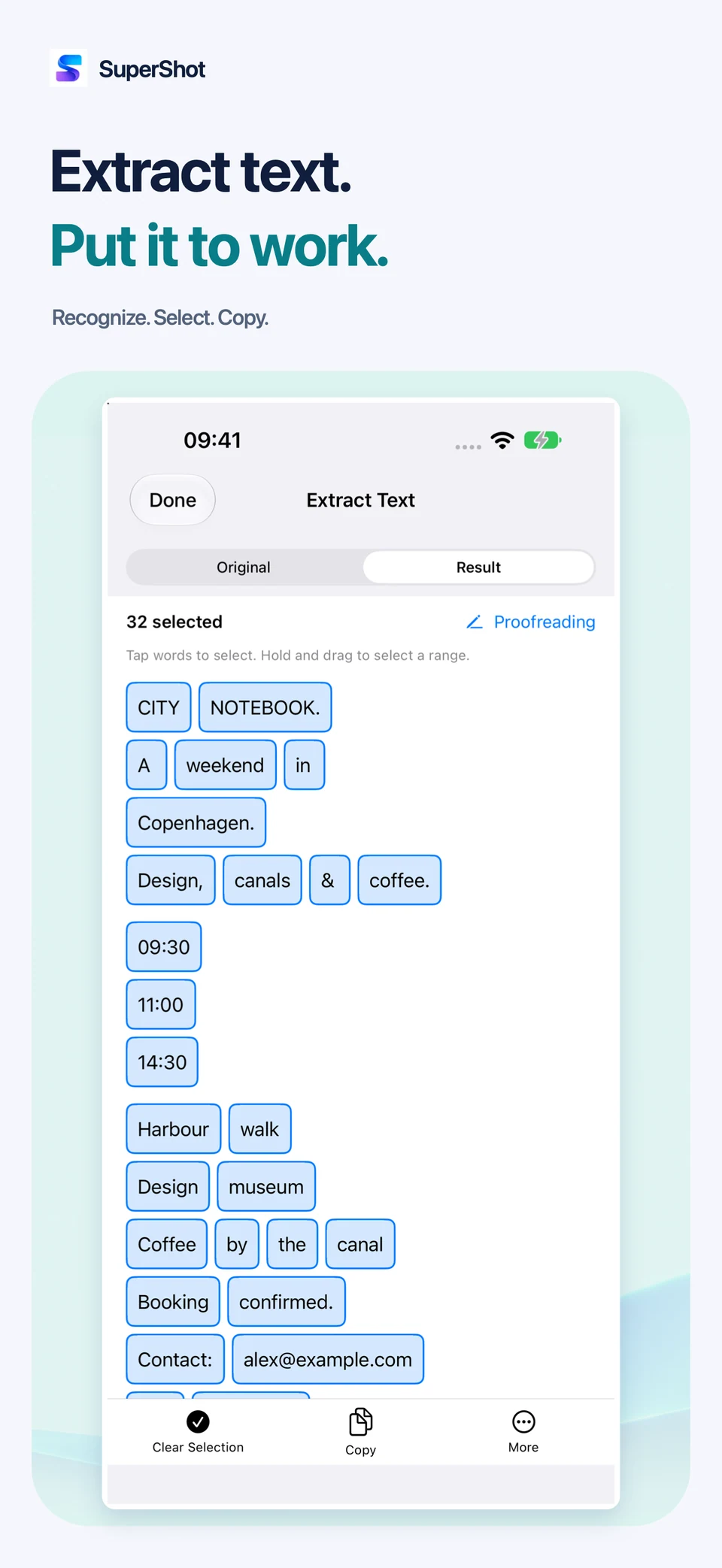
Extract text from long screenshots and photos
You can now stop and retry OCR, image translation and table extraction. Reopen the tool to continue working on the reviewed draft for the same image.
Review sensitive details before sharing
Check which details will be hidden before applying privacy protection. You can also cancel while removing a background or erasing an object. This update improves controls at larger text sizes and makes it easier to switch between Crop and Tools.
AI image processing runs on your device. AI Depth of Field requires a model download. Some tools and export options require Pro, and some features require language downloads.
SuperShot